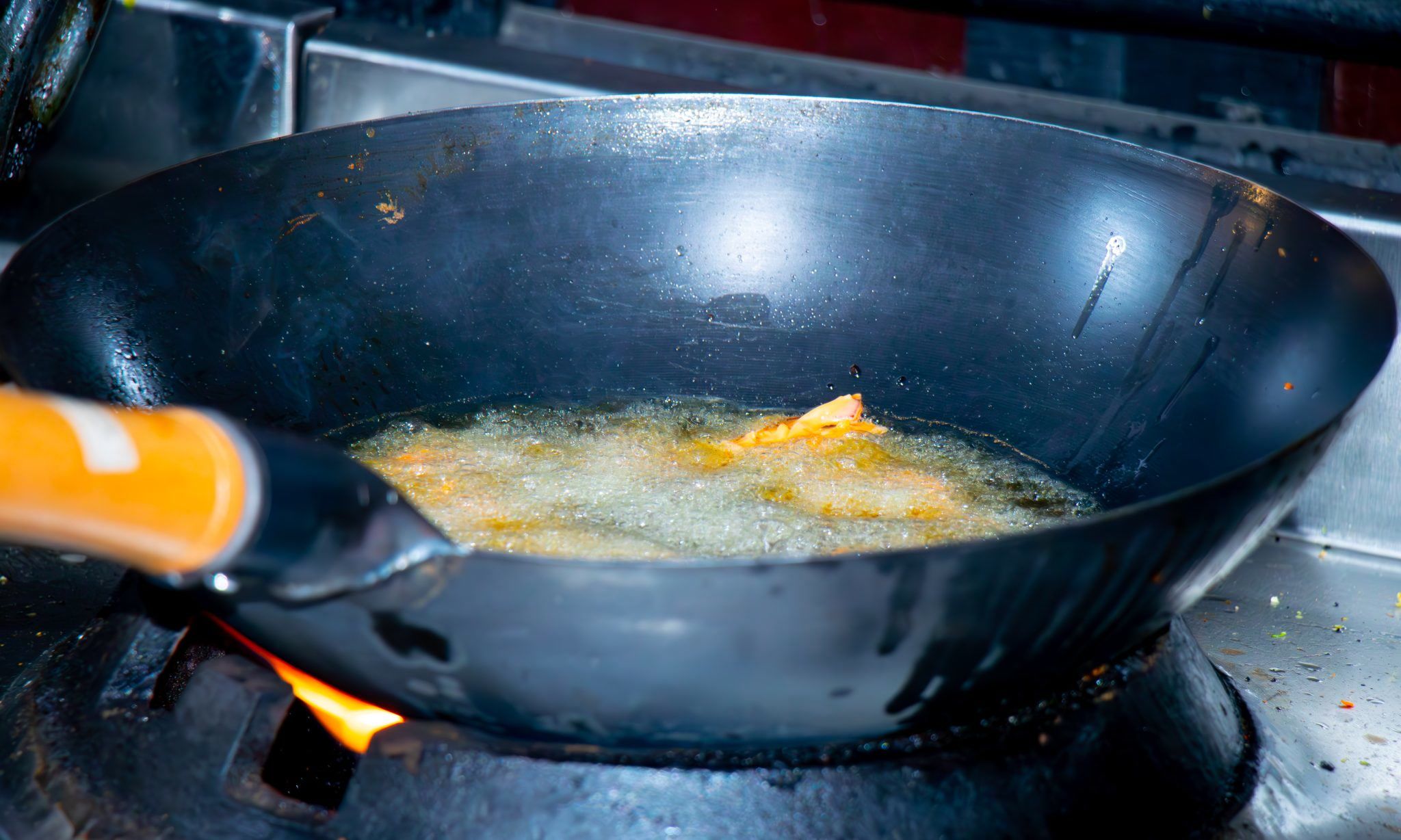
From link to dinner
In the video app, tap Share and pick StoveTop. That is the whole import: two taps from TikTok, Instagram, YouTube or Safari. You can also paste a link inside the app.
Import a recipe
Paste a link from TikTok, Instagram, YouTube or any recipe site.
Importing your recipe
- Waiting in line
- Fetching the video
- Reading the recipe
This usually takes under a minute.
A few seconds later, there is a recipe you can read: servings, ingredients split into amount, unit and name, and the steps in order. StoveTop reads the caption, the description and what the cook says out loud, and you check it before it is saved.

Review before saving
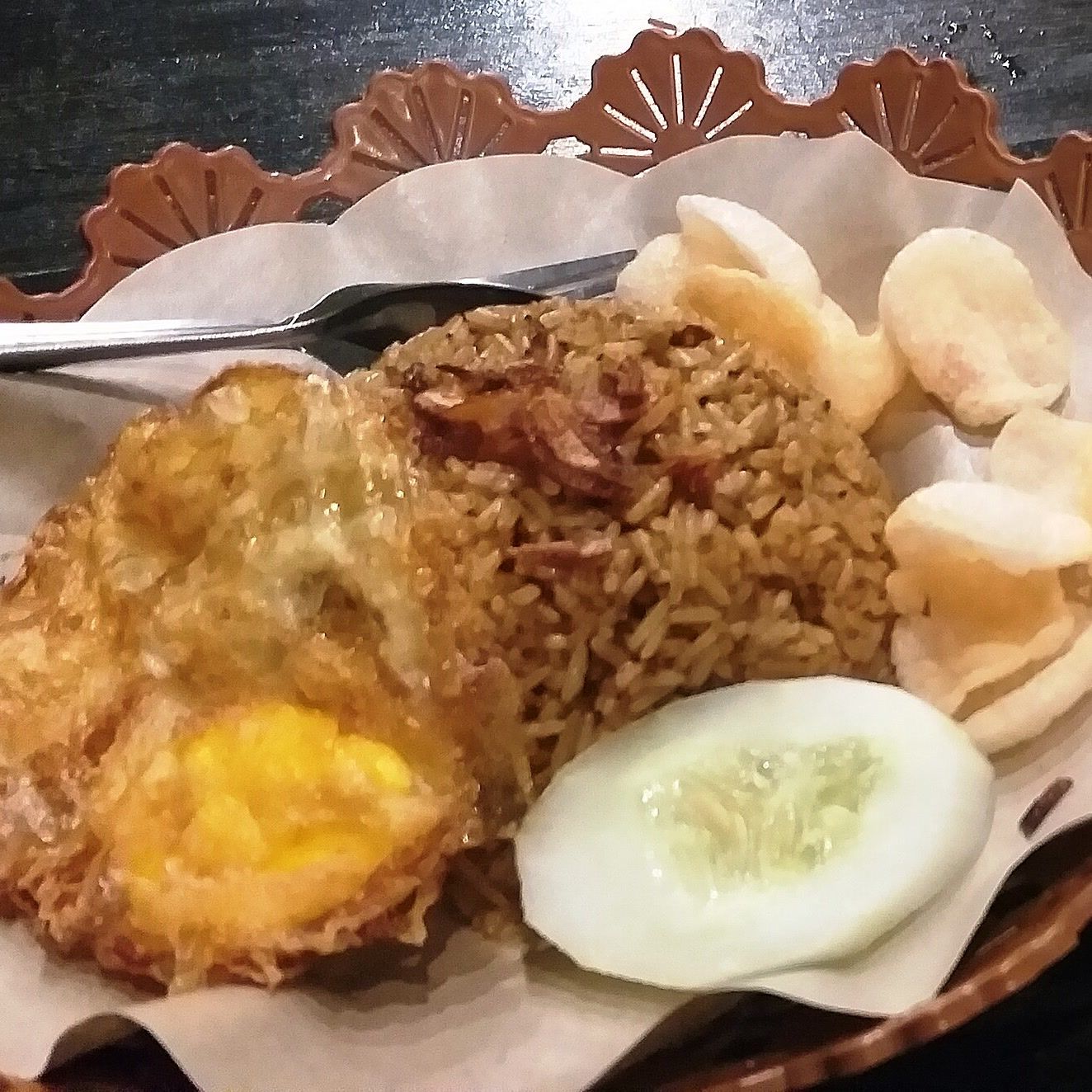
Nasi goreng kampung
Servings
Total minutes
Ingredients
1 ingredient has no amount. Leave the field blank unless you know it; StoveTop never guesses.
Amount not given — tap to set if you know it
At the shop, everything you plan to cook is on one list. 1 cup of milk from the pancakes and 2 cups from the soup become 3 cups, sorted by aisle, so you walk the shop once.
Produce
Dairy & Eggs
Pantry
Spices & Condiments
At the stove, cook mode shows one step at a time in large type, keeps the screen awake, runs a timer when a step names a time, and shows which pan or tool the step needs.
Add the rice and kecap manis and stir-fry for 3 minutes, until every grain is coated.
02:14
3 min
Everything it does
Import
- Share a TikTok and get its ingredients and steps, including the ones only said out loud.
- Reels and recipe posts both work, from the share sheet or a copied link.
- Full videos and Shorts up to 10 minutes long.
- Free without a limit. You get the recipe without the life story above it.
- Tap Share in the video app, then StoveTop. That is the whole import.
- Copied a link already? Paste it inside the app instead.
- When the cook only says the amounts, StoveTop reads what was said.
- If a YouTube cook links the written recipe, StoveTop follows the link and reads it.
- New imports arrive in your language, and a saved recipe can be translated later.
Video, blog or pasted link: each one comes back as a recipe to check before it is saved.
Cook
- Each step fills the screen in large type. Swipe or tap Next.
- A step that names a time gets a timer with a ring that drains as it runs.
- The phone does not lock while cook mode is open.
- Each step lists the pan, pot or whisk it needs, and the ingredients that go in.
- Change the servings and every amount follows. Missing amounts stay missing.
- Fix a title, an amount, a unit or a step whenever you like.
- Mark a dish as cooked and add a photo of how it turned out.
- Pick how many times a week you want to cook and watch the ring fill.
- Twelve stickers for cooking milestones and weeks in a row.
One step at a time in large type, with the timer and the pan the step needs.
Shop and keep
- The same ingredient from two recipes becomes one line with the amounts added up.
- Produce, dairy and eggs, pantry, spices: walk the shop once.
- Show only the items one recipe needs.
- Changed your mind about a dish? Take its items off in one tap.
- Kitchen roll and coffee go on the same list.
- Group recipes into collections such as weeknights or baking.
- Cannot decide? Shuffle picks a saved recipe for you.
- Sign in to keep your recipes when you change phones. Without it, the app still works.
One list for everything you plan to cook, and a library that stays yours.
Never a guessed amount
When a cook says a splash of this and some of that, most importers write a number anyway. StoveTop writes “amount not given” and keeps it at every serving size.
Nasi goreng kampung · 2 servings
Nasi goreng kampung · 4 servings
Nasi goreng kampung · 8 servings
Saved this week
A sample library. Photographs are from open collections and credited below.
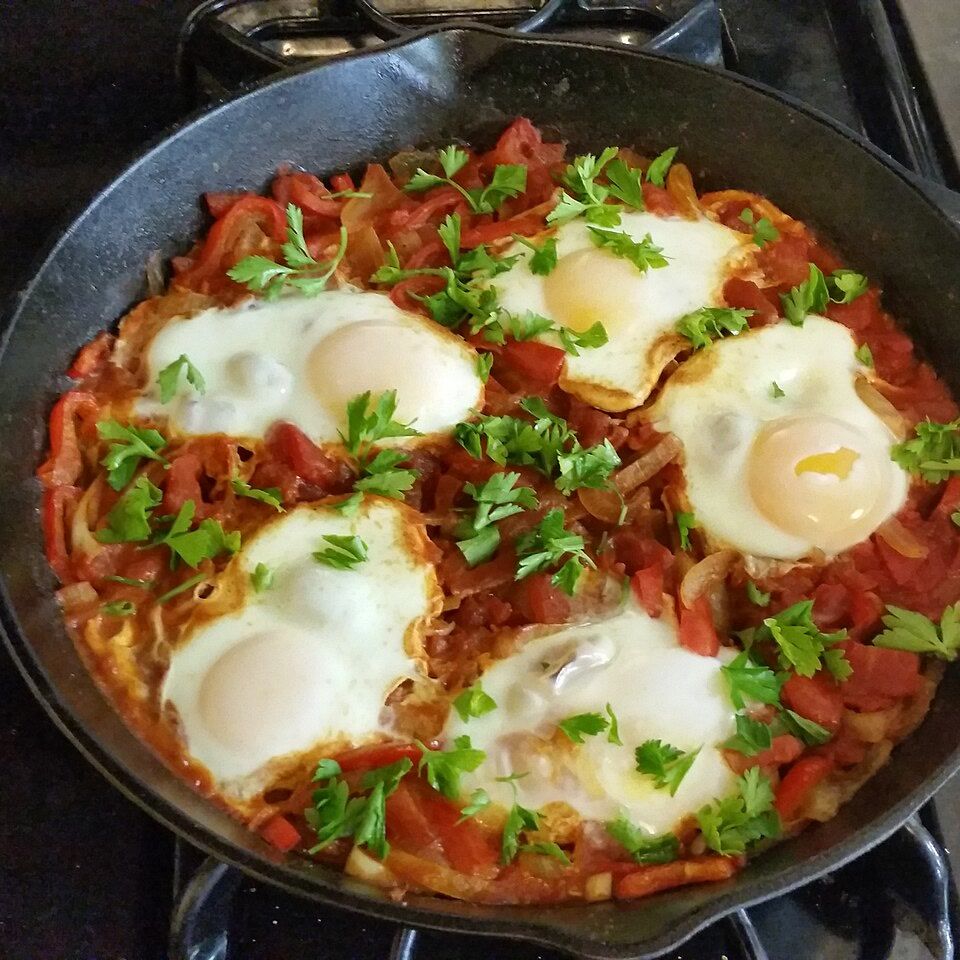
TikTok30 min4 servings6 steps
Saved 23 NovCooked 2×
Shakshuka
YouTube1 h 10 min2 servings9 steps
Saved 23 NovCooked 1×
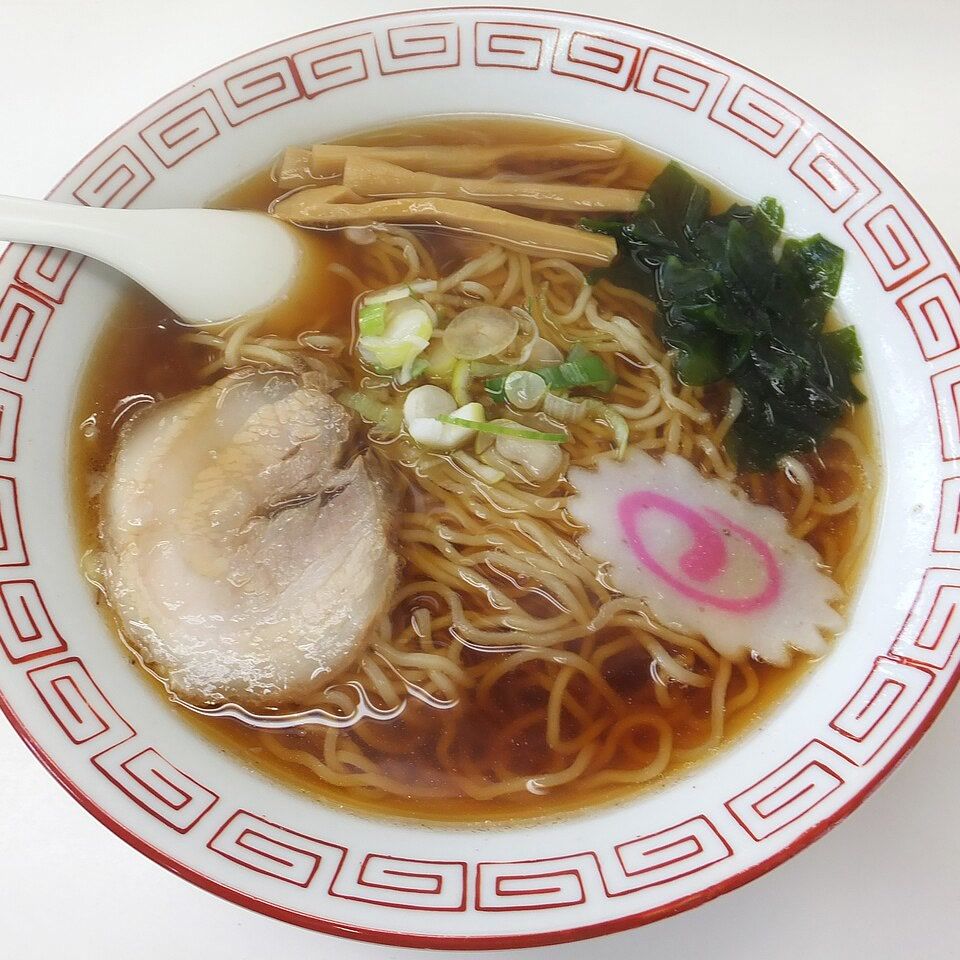
Shoyu ramen

Instagram3 h 30 min6 servings7 steps
Saved 24 NovCooked 1×
Barbacoa tacos
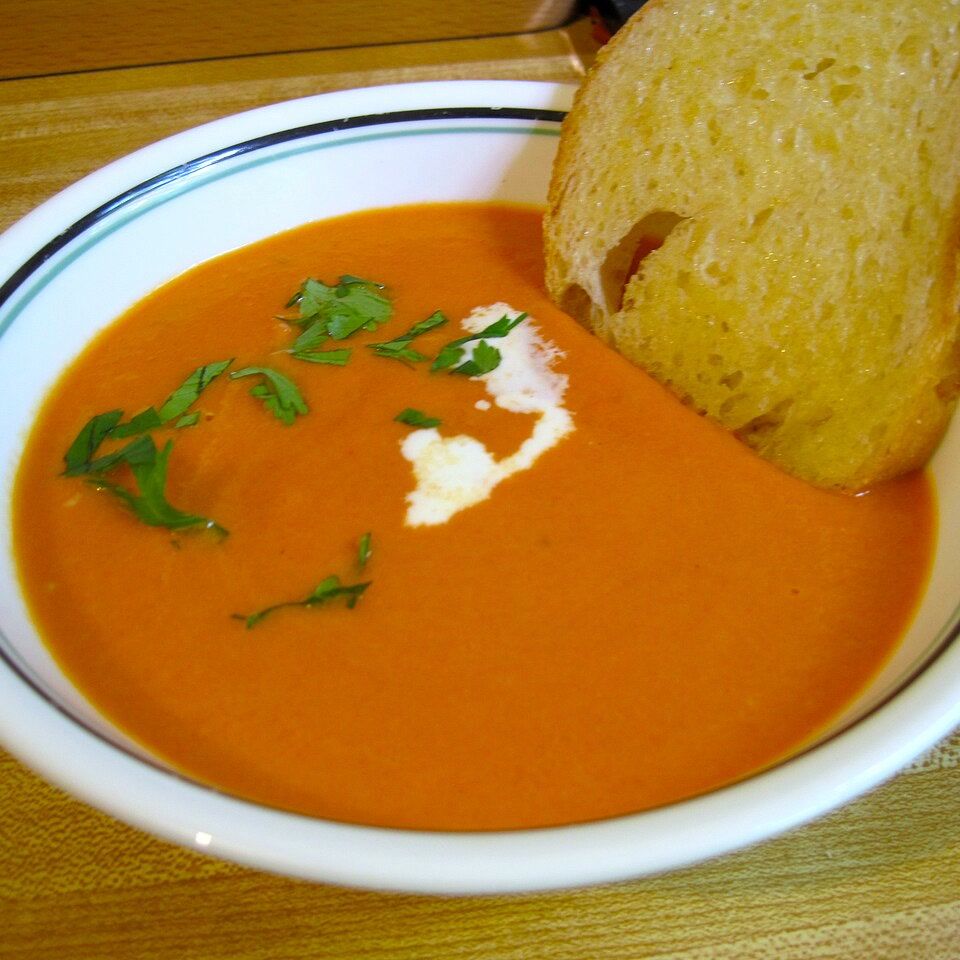
Blog35 min4 servings5 steps
Saved 24 NovCooked 3×
Cream of tomato soup
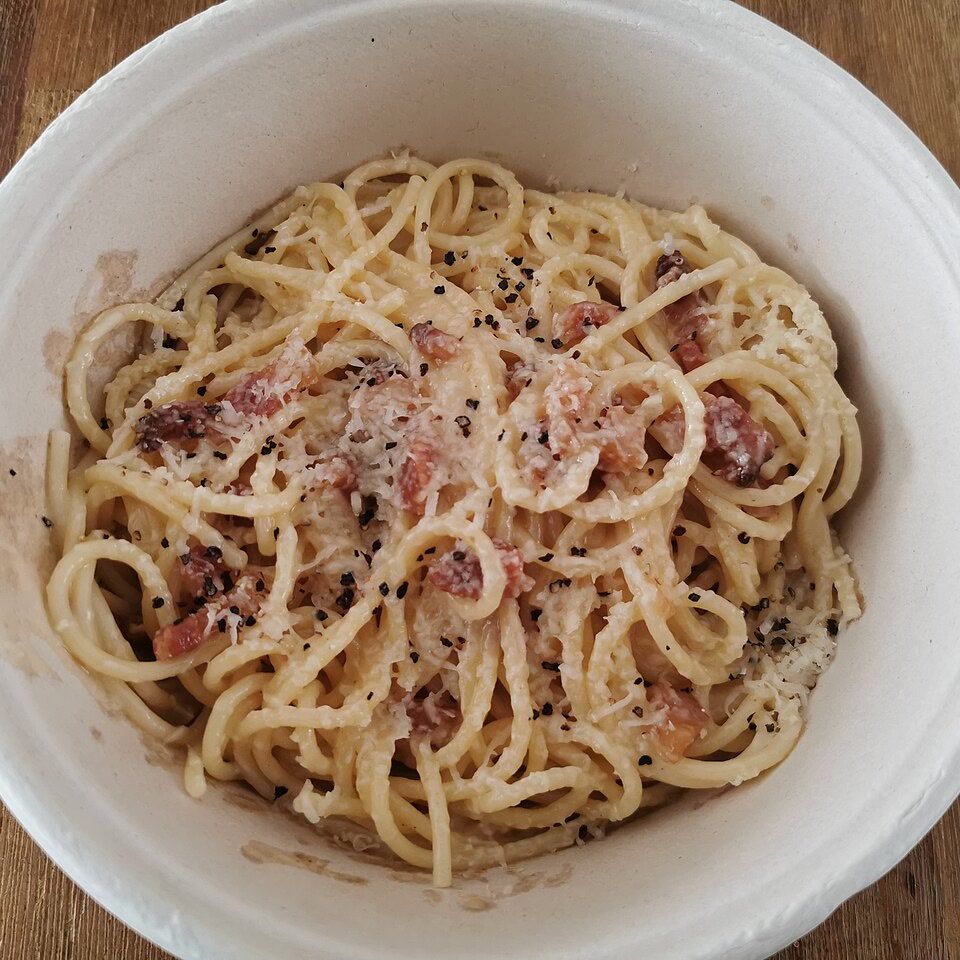
Instagram25 min2 servings5 steps
Saved 25 NovCooked 4×
Spaghetti carbonara
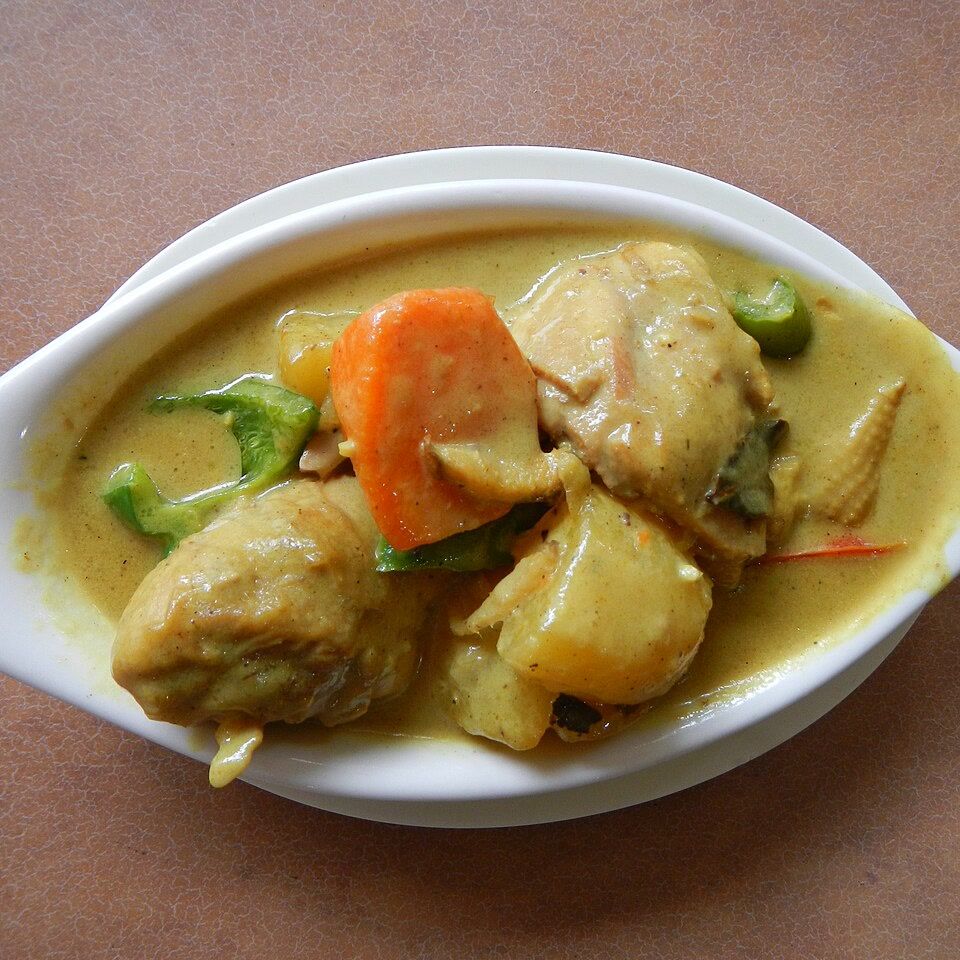
YouTube50 min4 servings8 steps
Saved 25 NovCooked 1×
Chicken curry
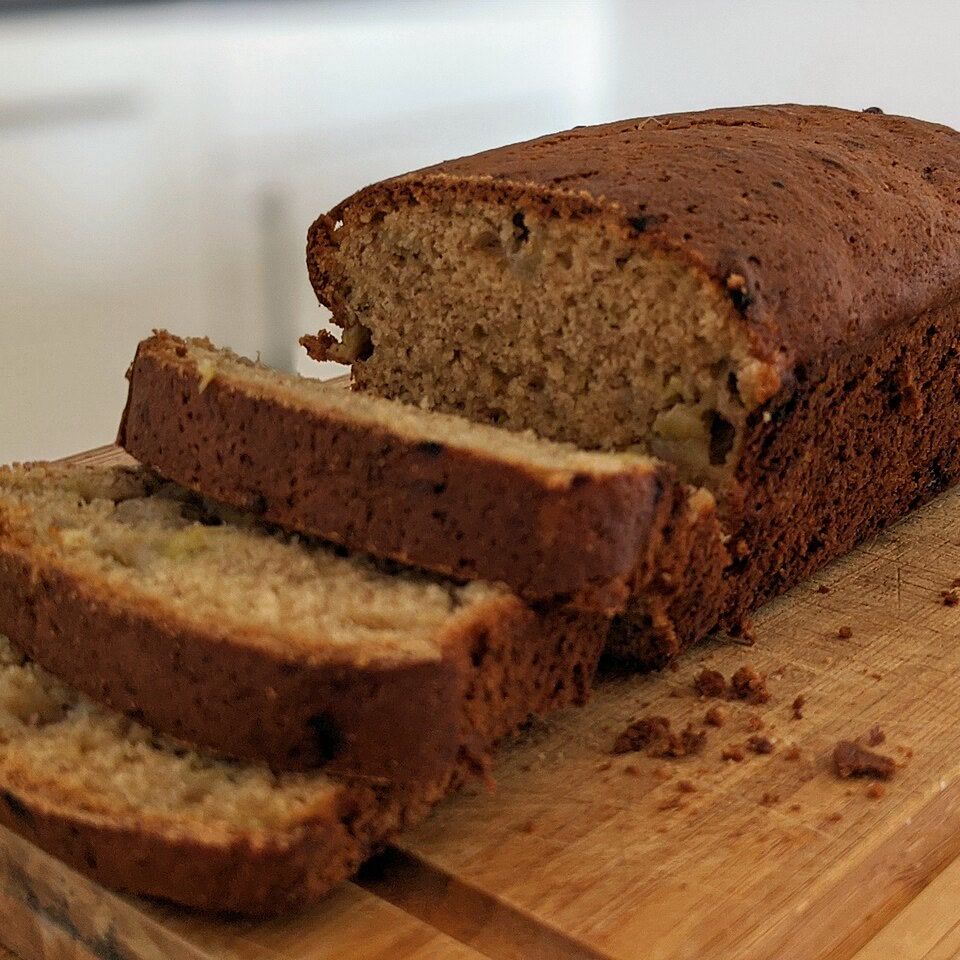
Blog1 h 15 min10 servings6 steps
Saved 26 NovCooked 2×
Banana bread
TikTok15 min1 serving4 steps
Saved 27 NovCooked 5×
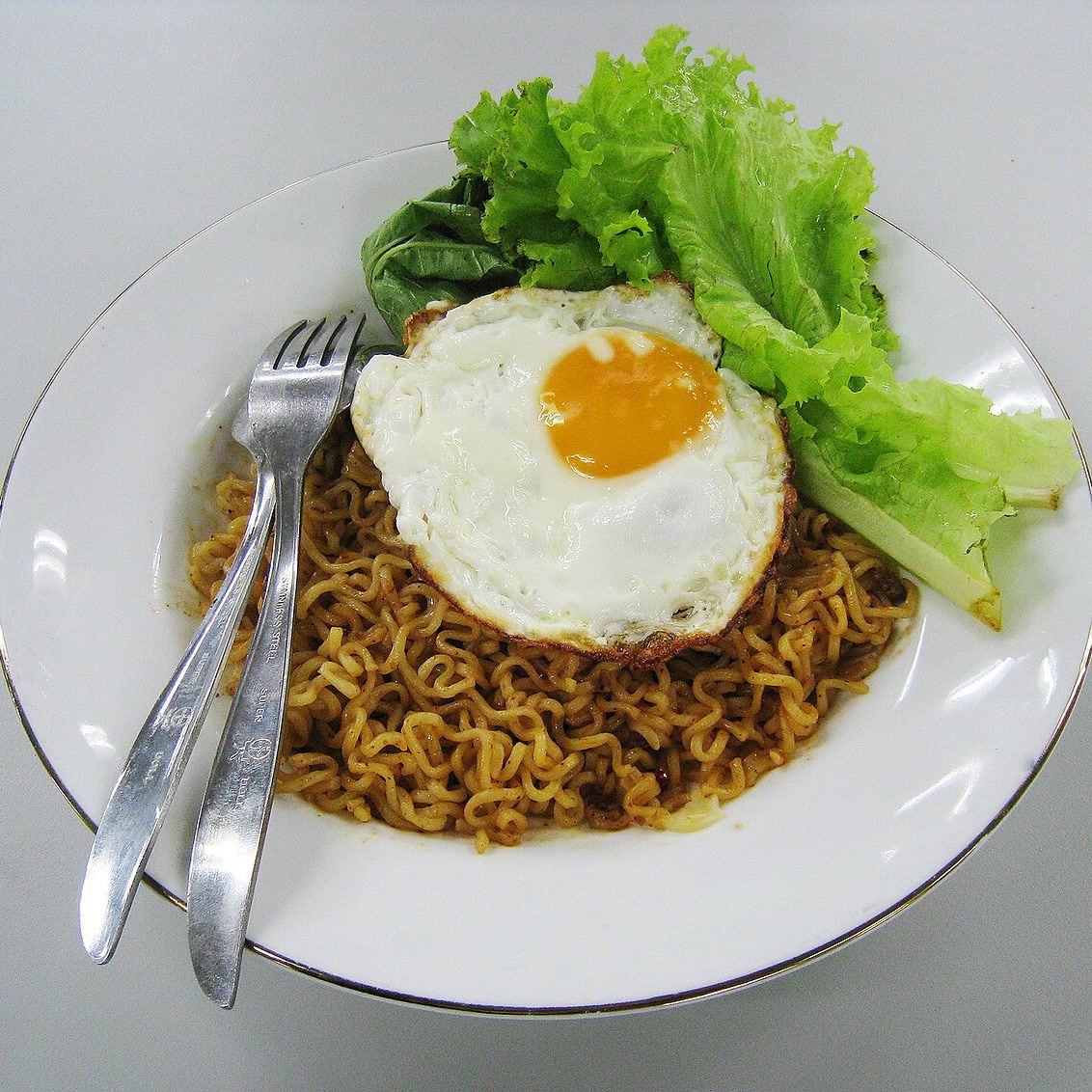
Mie goreng with fried egg
Free for every recipe blog on the internet
Pricing
Prices in US dollars; the App Store shows your local price. Subscriptions renew automatically unless cancelled at least 24 hours before the period ends. Payment is charged to your Apple Account. Fair use applies to every plan: 20 imports an hour and 100 a day. Terms of Use · Privacy Policy
Common questions
How do I save a recipe from TikTok?
Open the video, tap Share and choose StoveTop. A few seconds later you have the ingredients and steps to check and save. If StoveTop is not in the share row, tap More to add it, or copy the link and paste it in the app.
Does it work with Instagram Reels and YouTube Shorts?
Yes: Instagram posts and Reels, YouTube videos and Shorts, TikTok, and recipe pages on blogs and websites. StoveTop reads the caption, the description and the spoken words. Videos can be up to 10 minutes long.
What happens when a video never gives amounts?
The ingredient is saved with “amount not given”. StoveTop does not make up a number, and you can type one in if you know it.
Is StoveTop free?
Imports from blogs and websites are free without a limit. You also get 10 video imports from TikTok, Instagram and YouTube. No card is needed. StoveTop Pro removes the video limit.
Do I keep my recipes if I cancel Pro?
Yes. Everything you saved stays in your library and stays usable.
Do I need an account?
No. StoveTop works as soon as you open it. Sign in with Apple is optional: it keeps your recipes with you when you change phones.
Which languages does it handle?
Recipes can be saved in English, in Indonesian, or in the language they were written in, and a saved recipe can be translated later.