
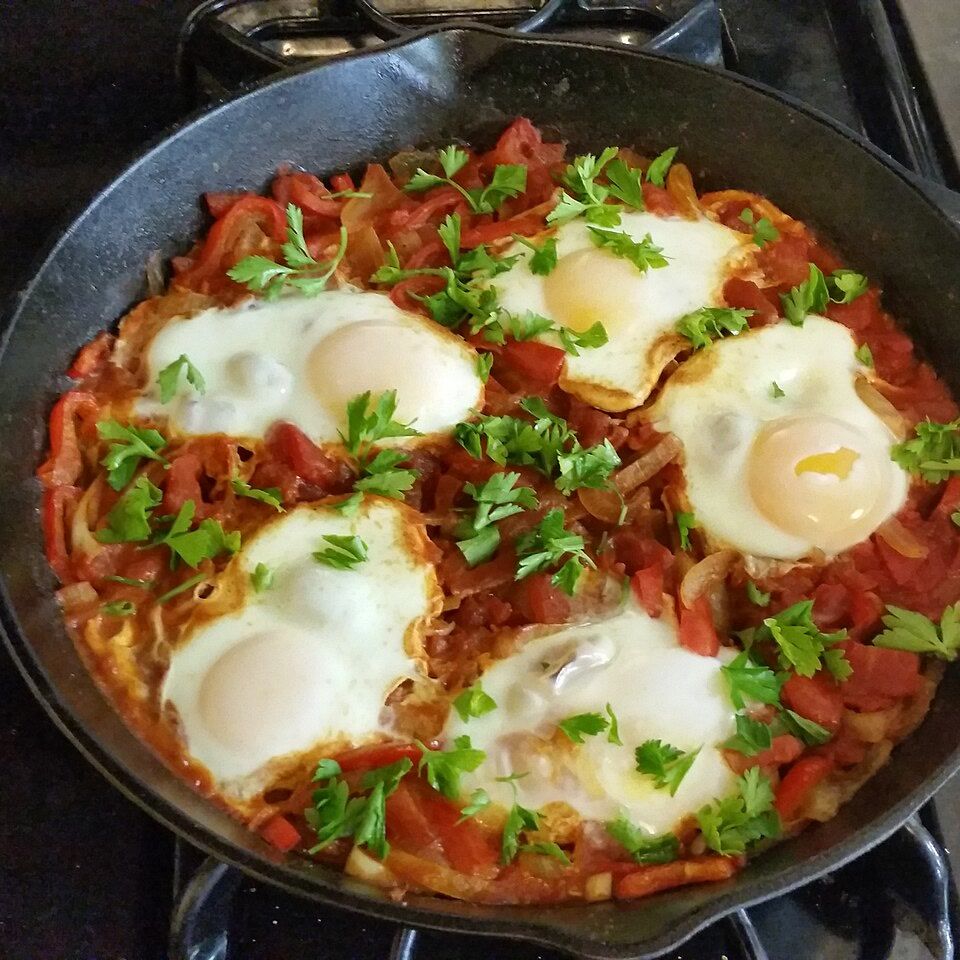
Favorites keeps the video, not the recipe. To cook from it, write the ingredients and steps out, or share the link to an app that writes them out for you.
What TikTok’s own saving does
TikTok has a built-in way to keep videos. Tap the bookmark icon on the right side of a video and it goes to your Favorites, which you find on your profile. From the same pop-up you can choose to manage where it goes and put it in a collection, or make a new one such as “Weeknight dinners” or “Baking”. The exact labels shift a little between app versions, but the bookmark icon and the Favorites tab on your profile are where to look.
Collections are worth setting up early. Without them, everything lands in one long grid of thumbnails, and after a few months you scroll past the same pasta three times looking for the curry.
Where Favorites falls short
Favorites saves a pointer to someone else’s video. It does not save the recipe. That matters in a few ways:
- The recipe is often spoken. Many creators say “two tablespoons of soy sauce” out loud and never write it anywhere. To cook, you pause, rewind and listen again with wet hands.
- The caption sends you elsewhere. “Full recipe on my blog” or “recipe in bio” means a second place to check, often a long page.
- Videos disappear. If the creator deletes the video or makes their account private, you can no longer watch it from your Favorites.
- You can’t search by ingredient. “What can I make with this leftover coconut milk?” has no answer in a grid of thumbnails.
- Nothing adds up the shopping. Three saved dinners that each use onions stay three separate videos.
Write it down yourself
The manual fix is reliable and costs nothing. Once you decide you’ll actually cook something:
- Play the video with the sound on and pause after each ingredient.
- Type each ingredient on its own line in a notes app, with the amount, the unit and the name.
- Write the method as short numbered steps, including any times and temperatures.
- Paste the video link at the top so you can rewatch the tricky part.
A few habits make this faster. Turn on captions when the creator has added them, since reading is quicker than listening. If an ingredient list flashes on screen, take a screenshot, open it in Photos and use Live Text to copy the words instead of retyping them. Keep every recipe in one notes folder rather than scattered across apps.
The cost is time. Writing up a one-minute video can take ten minutes, and you end up with notes you can’t scale or turn into a shopping list without more retyping.
Let StoveTop write it out
StoveTop for iPhone does the writing-up step for you. You send it the video link and it gives you back a written recipe to check before you save it.
- In TikTok, tap Share on the video, then open your iPhone’s share sheet (or tap Copy link).
- Choose StoveTop from the share sheet, or open StoveTop and paste the link.
- Wait a few seconds while it reads the video.
- Look over the recipe, fix anything you want, and save it.
StoveTop reads the caption and the spoken words in the video. Ingredients come back split into amount, unit and name, and the method comes back as ordered steps. That split is what makes the recipe useful later: amounts can be scaled and ingredients can be merged into a shopping list.
When the video never says an amount
Creators often say “a splash of fish sauce” or “some garlic”. StoveTop doesn’t invent a number for those. The ingredient is saved as “amount not given”, so you know you’re making a judgment call rather than following a figure nobody actually said.
Limits worth knowing
- Videos up to 10 minutes long can be imported. Most recipe videos on TikTok are much shorter.
- StoveTop does not yet read text that only appears on screen. If the recipe is shown as on-screen text, with nothing in the caption and nothing said aloud, it may not find it. Use the Live Text trick above for those.
- The free plan includes 10 video imports in total, with no card needed. Imports from blogs and recipe websites are unlimited. StoveTop Pro removes the video limit.
Once the recipe is saved
A saved recipe stays in your library even if the original video disappears, and the link back to the post is kept so you can rewatch a technique. From there you can search your recipes by ingredient, change the servings, add the ingredients to a shopping list, and cook in a view that shows one step at a time.
If you plan meals for the week, the guide on making one shopping list from several recipes shows how to combine them. For keeping a growing pile in order, see how to organize recipes saved from everywhere. And if you save just as many recipes from Reels, read how to save recipes from Instagram.
You can see what else the app does on the StoveTop home page.
Common questions
Can I save a TikTok recipe without another app?
Yes. Tap the bookmark icon to add the video to Favorites, sort it into a collection, and copy the ingredients and steps into a note with the video link at the top.
What happens to my saved recipe if the TikTok is deleted?
Once the creator deletes a video or makes it private, you can no longer watch it from Favorites. A recipe saved in StoveTop is a written copy, so it stays in your library.
How many TikTok recipes can I save for free in StoveTop?
The free plan includes 10 video imports in total across TikTok, Instagram and YouTube, with no card needed. Recipes from blogs and websites are unlimited, and StoveTop Pro removes the video limit.
Does it work with TikToks in other languages?
Yes. You can have recipes written in English or Indonesian, or keep each recipe in its original language, and translate a saved recipe later.
More guides
All guides

Photographs of dishes from open collections, credited at the foot of the page.