
Use the page's own recipe card or print button, Safari's reader view, or share the page to an app that reads the recipe data and keeps only the recipe.
Why recipe pages are so long
You searched for banana bread and landed on two thousand words about a trip, a dozen photos and several ads before the ingredient list. The recipe is there. It’s just at the bottom.
Most food sites put the actual recipe in a recipe card: a box with the ingredient list, the steps, the yield and the times. Many also add a “Jump to recipe” link near the top. Behind the scenes, that card usually carries structured recipe data that search engines read to show recipe results. That data is also what makes clean saving possible.
Free ways to keep just the recipe
Use the recipe card’s own buttons
Before anything else, look at the recipe card. Many have a Print button that opens a clean, ad-free version with only the ingredients and steps. From there you can print to paper or save it as a PDF.
Use reader view in Safari
Safari on iPhone can strip a page down to its text. When the reader option is available, it appears in the page menu in the address bar. Reader view drops most ads and sidebars and lets you change the font size, which helps at the counter. It does not work on every site, and on some pages it trims part of the recipe card, so check the ingredient list is complete.
Save it as a PDF
From the page (or from reader view), tap Share, then choose Print and save the result as a PDF to Files, or save it to the Books app. A PDF is a fixed copy, so it survives the page being edited, moved behind a paywall or taken down.
Copy it into a note
Select the ingredients and steps, copy them into a notes app and add the page address at the top. Plain text is searchable within the notes app and easy to edit, but you’ll tidy line breaks and stray symbols by hand.
Where these methods stop helping
All of these give you a copy of a page. They don’t know what’s inside it:
- You can’t scale a PDF. Halving a recipe still means doing the maths on paper.
- You can’t search across them by ingredient. “Which saved recipes use buttermilk?” means opening files one by one.
- Nothing merges. Three PDFs that each call for onions and garlic don’t make one shopping list.
- Copies scatter. Some recipes live in Files, some in Books, some in notes, and some only as bookmarks.
Share the page to StoveTop
StoveTop for iPhone reads the recipe data on the page, the same data behind that recipe card, and keeps only the recipe:
- Open the recipe in Safari.
- Tap Share and choose StoveTop. You can also copy the address and paste it inside the app.
- A few seconds later, check the ingredients and steps.
- Save it.
The story, the photos in between and the ads don’t come along. What you keep is a title, the ingredients split into amount, unit and name, and the steps in order. When a page lists something without an amount, such as “salt to taste”, it says “amount not given” rather than inventing one.
Pages without a recipe card
Some sites write the recipe as plain paragraphs with no recipe card. StoveTop reads the page text in that case and builds the recipe from it. Check those results a little more carefully, since prose recipes are less tidy to begin with.
Sites that block servers
A few sites refuse requests that come from servers. When that happens, StoveTop can open the page on your iPhone, as your browser would, and read the recipe from there.
Free and unlimited
Imports from blogs and recipe websites are unlimited on the free plan, with no card needed. The only free limit is on video imports.
What a saved recipe gives you
Because the recipe is stored as ingredients and steps, not as a picture of a page, you can scale it to the number of people you’re feeding, search every recipe you own by ingredient, add it to a shopping list grouped by aisle, and cook from a view that shows one step at a time and keeps the screen on.
For the maths of changing a recipe’s size, see how to scale a recipe up or down. To combine several recipes into one list, read how to make one shopping list from several recipes. If the recipe started as a cooking video with a link in the description, the YouTube guide explains how that link gets used.
There’s more about the app on the StoveTop home page.
Common questions
Why do recipe blogs have such long posts before the recipe?
Writers often add background, tips and step photos around the recipe, and many pages also carry ads. The recipe itself is usually in a card near the bottom, often with a jump-to-recipe link at the top.
Is saving a web page as a PDF enough?
It's a solid offline copy that won't change if the site does. It is just a picture of the page, though, so you can't search it by ingredient, scale it or turn it into a shopping list.
What if a site won't let StoveTop read the page?
Some sites block requests from servers. When that happens, StoveTop offers to open the page on your iPhone and read it from there instead.
Is there a limit on website imports?
No. Imports from blogs and recipe websites are unlimited on the free plan. Only video imports have a free limit.
More guides
All guides
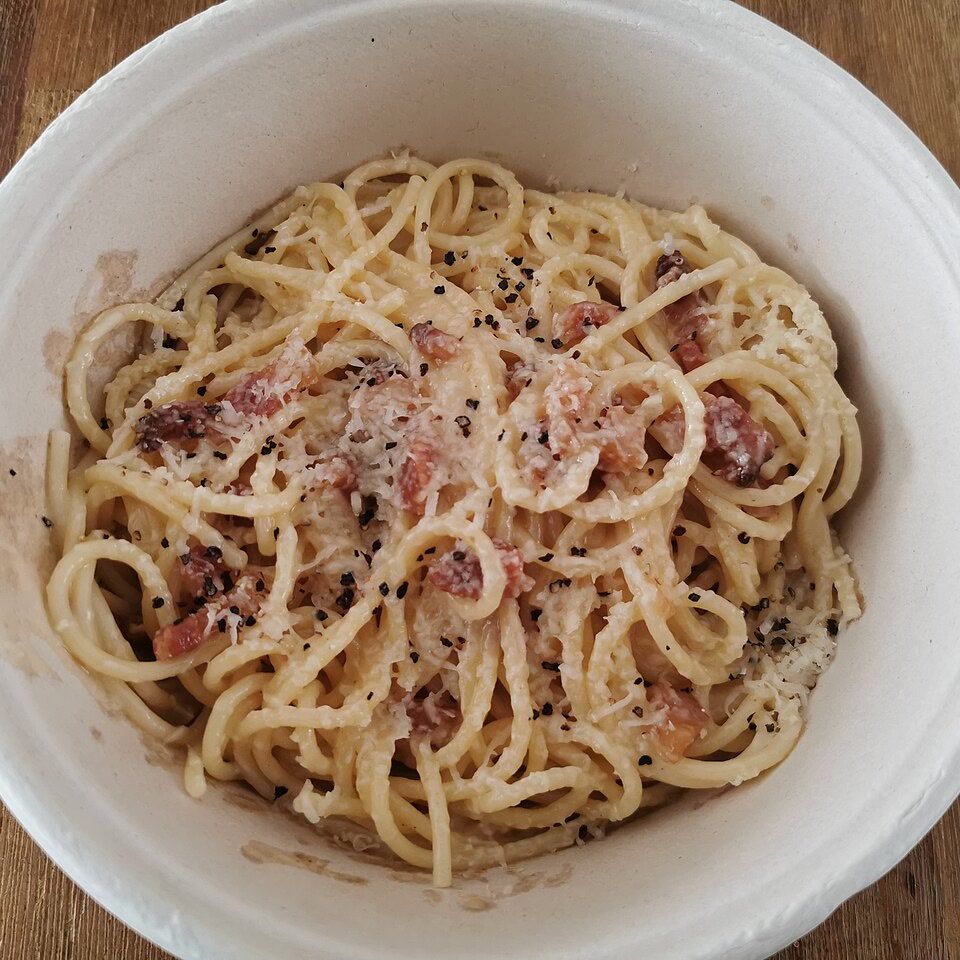
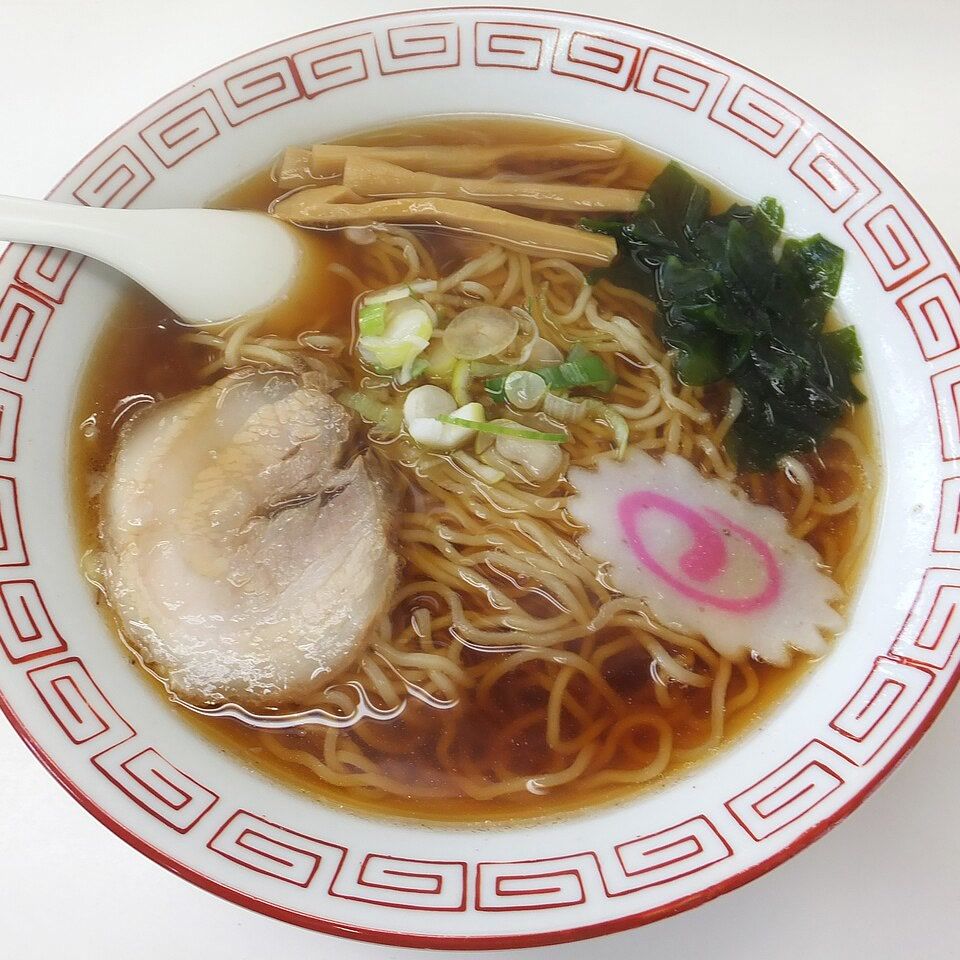
Photographs of dishes from open collections, credited at the foot of the page.