
List every ingredient once, add up amounts only when the units match, group the list by store section, then cross off what you already have.
Why merging matters
Cooking three dinners from three different recipes usually means three ingredient lists with a lot in common. One wants an onion, one wants two, and the third wants half a cup chopped. Shop from three separate lists and you either buy onions three times or forget them entirely.
A merged list fixes that. Each ingredient appears once, with the total you need, in the order you walk the store.
Build a merged list by hand
Pen and paper or a notes app is all you need. It takes about fifteen minutes for a week of dinners.
- Decide how many servings of each recipe you’ll make, and scale the amounts first if needed. The guide to scaling a recipe has a conversion table for that.
- Write down every ingredient from every recipe, one per line, with its amount and unit.
- Find duplicates and add them up when they use the same unit: 1 cup of stock plus 2 cups of stock is 3 cups of stock.
- Leave items in different units on separate lines unless the conversion is exact.
- Sort the list into sections: produce, meat and seafood, dairy and eggs, bakery, pantry, spices, frozen, drinks.
- Walk through your kitchen and cross off what you already have.
The rules that keep totals right
- Only add like to like. “2 cloves garlic” and “1 tbsp minced garlic” are both garlic, but you can’t add them into one number without guessing. Keep both lines.
- Watch singular and plural. “Onion” and “onions” are the same item. “Red onion” and “onion” might not be, depending on the recipe.
- Keep unknown amounts visible. “Salt to taste” or “oil for frying” has no number. Write it down anyway, so you check you have it.
- Note where things came from. A small tag like (curry) or (tacos) helps when you drop a recipe halfway through the week.
Easy unit merges
These are exact, so they’re safe to combine for the same ingredient:
| Combine | Into |
|---|---|
| 3 teaspoons | 1 tablespoon |
| 4 tablespoons | ¼ cup |
| 16 tablespoons | 1 cup |
| 16 ounces (weight) | 1 pound |
| 1,000 grams | 1 kilogram |
| 1,000 millilitres | 1 litre |
Converting between volume and weight (cups of flour into grams, say) depends on the ingredient and how it’s packed, so leave those as two lines.
Round up to what the shop sells
Recipes ask for amounts, but shops sell packs. Once the list is merged, turn totals into what you’ll actually buy: 1¾ cups of stock is one carton, and 300 g of spinach might be two bags. Planning two recipes that share an odd leftover, like half a tin of coconut milk or a bunch of coriander, means less of it goes in the bin.
Where the paper method breaks
It works, but it’s fragile. Change one recipe and you redo the totals. Double a recipe for guests and every line from it changes. Shopping lists in notes apps can’t tell which lines came from which recipe, so removing a meal means hunting through the list. And the whole thing has to be redone next week.
How StoveTop builds the list
StoveTop for iPhone keeps each recipe’s ingredients as separate amount, unit and name, which is what makes merging possible.
- Open a recipe and set the servings you plan to make.
- Add it to the shopping list. Its ingredients go on at those servings.
- Do the same for the other recipes for the week.
The list then does the steps above for you:
- Merges the same ingredient across recipes when the name and unit match, so 1 cup of stock and 2 cups of stock become 3 cups. “Onion” and “onions” count as the same item.
- Keeps different units apart. Tablespoons and cups of the same thing stay on separate lines rather than being converted behind your back.
- Never folds an unknown amount into a known one. An ingredient with “amount not given” stays visible next to the measured one.
- Groups by aisle: produce, meat and seafood, dairy and eggs, pantry, spices and condiments, bakery, frozen, beverages and other.
- Remembers where items came from. You can filter the list by recipe, or remove one recipe’s items and leave the rest.
You can also add your own items, check things off as you shop, and check off everything at once when you’re done.
Get the recipes in first
The list is only as good as the recipes behind it. If your dinners live in cooking videos and bookmarked blog posts, start by getting them written down. The guides on saving recipes from TikTok and saving recipes from websites cover both.
You can read more about the app on the StoveTop home page.
Common questions
Should I convert units before merging?
Only when it's simple and exact, such as tablespoons into cups for the same liquid. Converting cups of a solid into grams depends on the ingredient, so it's usually safer to list both amounts separately.
Does StoveTop add the amounts for the servings I picked?
Yes. The ingredients go onto the list at the servings you've set on the recipe, so a doubled recipe adds double amounts.
What happens to ingredients without an amount?
They go on the list without a number. StoveTop never adds an unknown amount into a known one, so you see both and decide.
Can I add things that aren't from a recipe?
Yes. You can add your own items, like coffee or paper towels, to the same list.
More guides
All guides
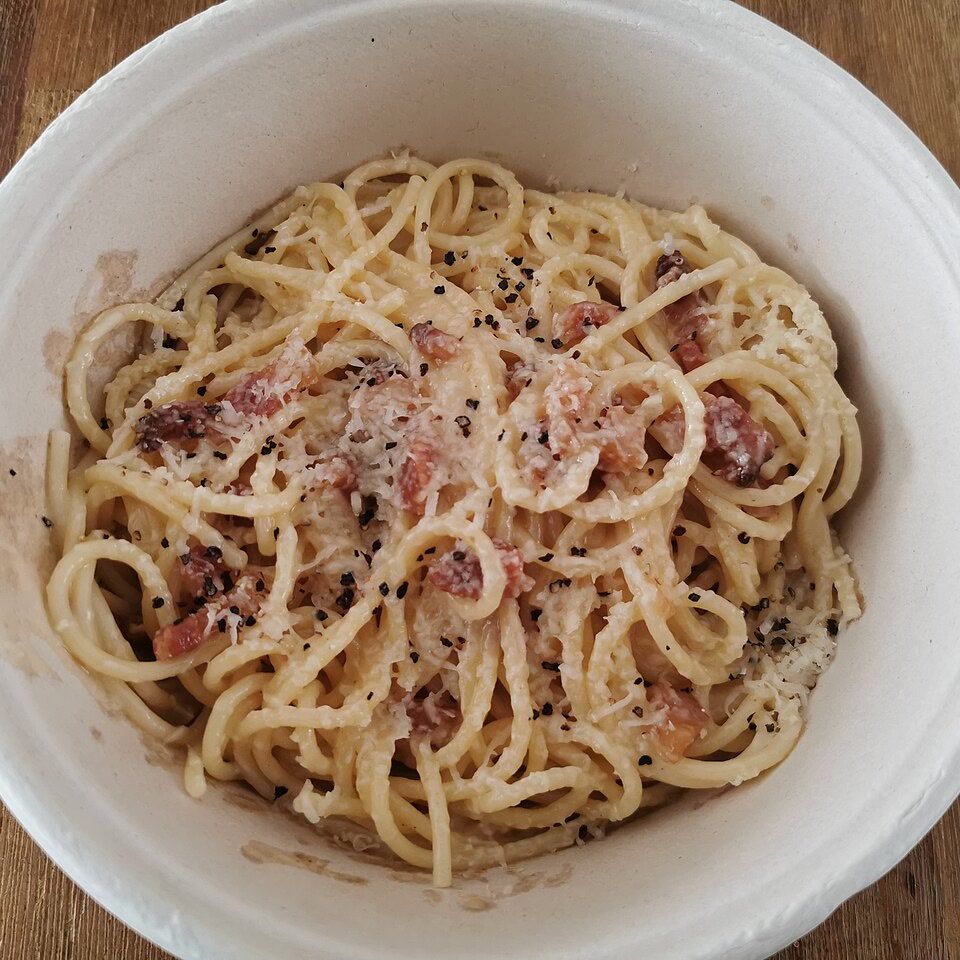

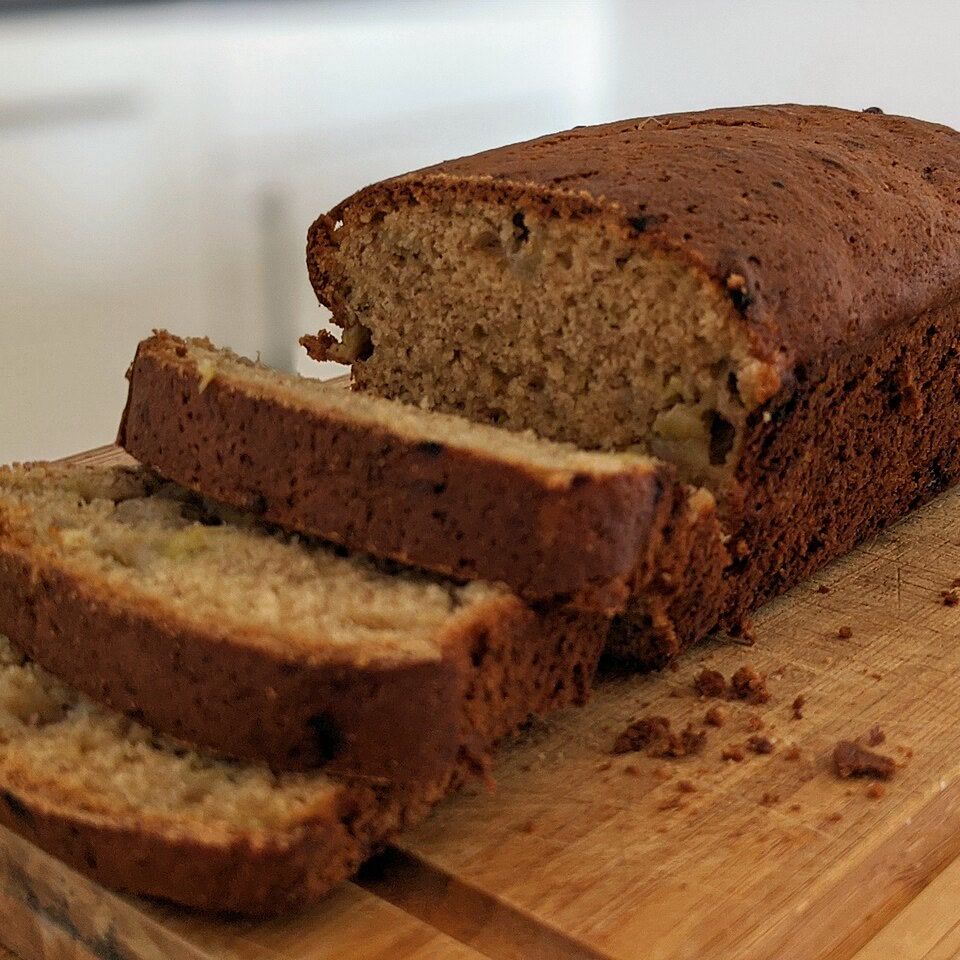

Photographs of dishes from open collections, credited at the foot of the page.